Clicks in the home and home improvement category cost an average of US$8.33, well above the US$5.42 average across all industries, and the typical cost per lead reaches US$90.92.1 Budgets feel that gap quickly. At US$20 a day, a contractor buys about two clicks, which leaves Google’s bidding system almost no data to learn from and produces erratic results.
Competition usually takes the blame when owners ask why Google Ads aren’t working for contractors. In practice, unchanged default settings, loose keyword matching, and inflated conversion data drain far more money than rival bidders do.
Quick Answer:
The biggest Google Ads mistakes contractors make are showing ads outside the service area, leaning on broad match without proper negative keywords, sending clicks to a generic homepage, counting minor actions as conversions, and running call ads when nobody answers the phone. Each one can be corrected inside the account settings.
Mistake 1: Showing Ads to People Outside Your Service Area
Out of the box, Google targets people in your chosen locations plus anyone who has shown interest in them, a setting called Presence or Interest.2 A homeowner in Halifax reading about Toronto renovations can trigger your ad. You still pay for that click.
To correct it, open Campaign Settings, choose Locations, expand Location Options, and select Presence: People in or regularly in your targeted locations. Postal codes or regions your crews don’t cover belong on the exclusion list. Stray clicks will still show up in the geographic report, so check it monthly. Expect impressions to fall after the switch, because the searchers removed from the auction were never going to book a service call.
Mistake 2: Trusting Broad Match and Thin Negative Keyword Lists
Broad match gives Google wide latitude. When deciding which searches qualify, the system considers a person’s recent search activity, your landing page content, and other keywords in the same ad group.3 For a plumber, that could mean paying for “how to fix a leaky tap” or “plumber salary.”
Negative keywords are the usual safeguard, yet many advertisers assume a single entry blocks every variation. Google confirms that negatives won’t match close variants, so plurals and synonyms must be added separately.4 Blocking “job” leaves “jobs” wide open.
Core service terms perform better in phrase and exact match. One shared negative list, holding singular and plural forms of words like DIY, salary, course, and parts, should sit on every campaign. Search term reviews happen weekly in disciplined home services PPC management, and new negatives get added each time.
Mistake 3: Sending Paid Clicks to Your Homepage
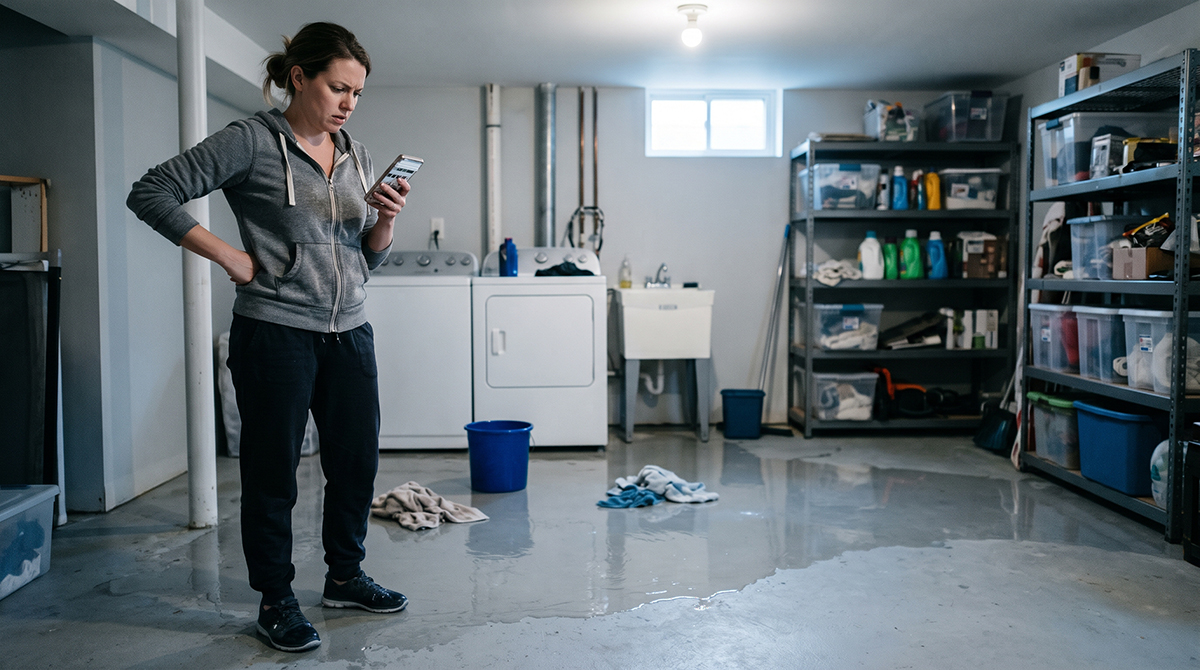
Someone typing “emergency sewer line repair” has one problem and little patience. A homepage stacked with six services, a company history, and a blog feed forces that visitor to hunt, and plenty will tap the back button. Home improvement advertisers convert an average of 8.05% of clicks into leads, a fair benchmark for judging your own pages.1
Each major service deserves its own landing page. The headline should mirror the ad, a call button should sit near the top, and licences and reviews should be easy to spot, with the main navigation removed. Adjustments like these sit at the heart of conversion rate optimization and can lower cost per lead without raising the budget.
Mistake 4: Counting the Wrong Actions as Conversions
Smart Bidding learns from whatever you label a conversion. Primary actions appear in the Conversions column and drive bidding, while secondary actions are reported under All Conversions and stay out of bidding decisions.5 Set page views as primary, and Google will find more people who view pages.
Under Goals, then Conversions, then Summary, reclassify each action along these lines:
| Conversion Action | Status |
|---|---|
| Completed quote request form | Primary |
| Phone call lasting 60 seconds or more | Primary |
| Closed job imported from your CRM | Primary |
| Click on a phone number | Secondary |
| Contact page view | Secondary |
Google recommends counting “One” conversion for leads to prevent duplicate counts from page refreshes.6 Calls need their own filter: a minimum length between 60 and 90 seconds weeds out wrong numbers and vendor pitches.
Mistake 5: Running Call Ads When Nobody Picks Up

Homeowners with a burst pipe phone first. When a campaign runs at 9 p.m. and the office line rolls to voicemail, that paid lead dials the next contractor. Emergency trades lose the most here, since flood and furnace calls rarely wait until morning. Call reporting assigns a Google forwarding number to your ad and tracks call duration, start time, and caller numbers on calls over 15 seconds.7 Comparing that data with your missed call log shows when leads go unanswered, so ad schedules can be trimmed to staffed hours or evening calls routed to a 24/7 answering service.
A Quick Account Check
Run through these Google Ads tips for contractors before adding budget:
- Location option set to Presence
- Automatically applied recommendations switched off
- Display Network and search partners disabled on search campaigns
- Singular and plural negatives stored in a shared list
- Call conversions filtered by minimum duration
- Lead forms counting one conversion per click
- Each ad sending traffic to a page built for that service
Final Thoughts
Most of the common Google Ads mistakes for home service businesses hide behind reports that look healthy. Conversion counts climb, cost per lead drops, and the dispatch board stays empty. Rarely does fixing the Google Ads mistakes contractors make require a bigger budget. Anyone working out how to fix Google Ads for home service companies should start with tracking. Once Google is optimizing toward real jobs, tighter geography, cleaner keywords, and better landing pages all pay off faster.
How We Can Help
Homevu™ manages paid search for roofers, plumbers, HVAC companies, electricians, and remodellers. Our team audits location settings, keyword lists, landing pages, and conversion tracking, then ties results back to booked jobs. We run Google Ads for contractors effectively by measuring revenue from each campaign.
If your ads bring in clicks but not customers, request a proposal from us today.
References
- Heitman, Stephanie. “New 2026 Search Advertising Benchmarks (+Tips).” LocaliQ, 1 June 2026, localiq.com/blog/search-advertising-benchmarks/.
- “About Advanced Location Options.” Google Ads Help, Google, support.google.com/google-ads/answer/1722038. Accessed 21 Oct. 2026.
- “About Keyword Matching Options.” Google Ads Help, Google, support.google.com/google-ads/answer/7478529. Accessed 21 Oct. 2026.
- “About Negative Keywords.” Google Ads Help, Google, support.google.com/google-ads/answer/2453972. Accessed 21 Oct. 2026.
- “About Primary and Secondary Conversion Actions.” Google Ads Help, Google, support.google.com/google-ads/answer/11461796. Accessed 21 Oct. 2026.
- “Understand Your Conversion Tracking Data.” Google Ads Help, Google, support.google.com/google-ads/answer/6270625. Accessed 21 Oct. 2026.
- “About Call Reporting.” Google Ads Help, Google, support.google.com/google-ads/answer/2454052. Accessed 21 Oct. 2026.
You May Also Like